Contributor Training: Advanced coder.ddev.com Usage

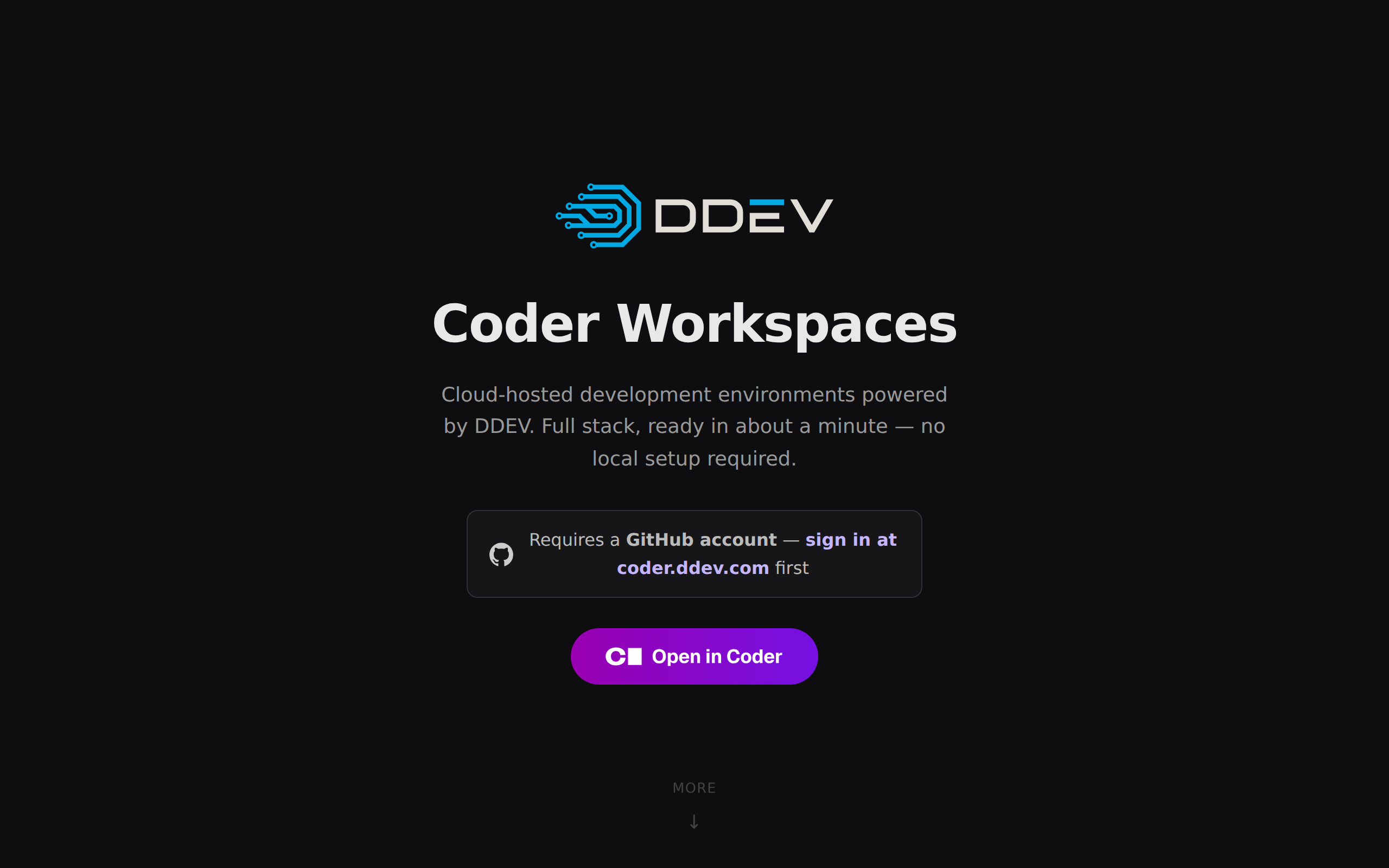
coder.ddev.com gives you a DDEV environment in the cloud, with nothing installed on your own machine. Since the announcement it has grown a Drupal issue picker, a freeform template for any DDEV project, and several ways to run Claude Code inside a workspace.
Here’s our November 11, 2026 Contributor Training on advanced coder.ddev.com usage:
The slides are available at rfay.github.io/advanced-coder-presentation, with source at github.com/rfay/advanced-coder-presentation.
What coder.ddev.com Is
coder.ddev.com is a free, experimental service built on the open source Coder project. Each workspace is an isolated Docker-in-Docker container (using Sysbox) with DDEV, Docker, Git, VS Code, and Claude Code already installed. The tools run on the server and use the workspace’s files and configuration.
It is experimental. There are no guarantees about uptime or data retention, and a workspace that sits idle for 14 days is deleted, so keep your work in Git.
Getting Access
Sign in with GitHub at coder.ddev.com/login. Members of any organization that sponsors DDEV at $100/month or more can sign in directly. Everyone else can open an issue in coder-ddev-com/access-requests with their GitHub username and how they plan to use it. Coder gets read-only access to your email, public profile, and organization membership, not to your code.
The code is all at github.com/ddev/coder-ddev and the docs are at docs.coder.ddev.com, including instructions for hosting it on your own infrastructure.
Three Templates
drupal-core: a clean Drupal core checkout for working on core issues, using amateescu/ddev-drupal-dev.drupal-contrib: any contrib module or theme, using ddev/ddev-drupal-contrib.freeform: your own DDEV projects (or other types of projects), one or many per workspace.
Drupal Contribution With the Issue Picker
The Drupal issue picker is the replacement for the old Gitpod-based DrupalPod. Paste a drupal.org issue URL, issue number, or project name. The picker works out whether it’s core or contrib and which Drupal version it needs, checks out the issue fork branch, installs Composer dependencies, and installs the site. Hand someone an issue URL at a contribution day and they get a working site with the branch ready, with no local Docker.
The first creation of a Drupal workspace takes several minutes. Watch the Logs tab, and don’t click Cancel at “Confirm and Create”; if something goes wrong, start over in the picker.
Inside the workspace, core is in ~/drupal-core/ and contrib projects are in ~/<project_name>/. The site login is admin / admin, and the usual tools are there:
ddev drush uli
ddev phpunit core/modules/node
ddev phpcs   # also phpstan, eslint
git push issue HEAD
To push to the issue fork, add the workspace’s public key (from coder publickey or your SSH keys page) to your drupal.org account.
Getting Into a Workspace
The dashboard gives you VS Code for the Web, a web terminal, and app buttons for the DDEV site, Mailpit, and XHGui. VS Code for the Web is a full VS Code in a browser tab, and its terminal has ddev, docker, git, and claude.
For daily work, I usually prefer local VS Code (VS Code on your machine, connected to the workspace over SSH). Use the “VS Code Desktop” button, coder open vscode my-site, or Remote-SSH to the host my-site.coder after running coder config-ssh. Xdebug works the same as with local DDEV. JetBrains IDEs connect through the Toolbox Coder plugin or Gateway over SSH.
The Coder CLI
brew install coder            # or: curl -L https://coder.com/install.sh | sh
coder login https://coder.ddev.com
coder list
coder create --template freeform my-site
coder stop my-site
coder start my-site
On Windows, use winget install Coder.Coder. See the Coder install docs for other options.
coder ssh gives you a shell, runs a single command, or forwards your SSH agent with -A:
coder ssh my-site
coder ssh my-site -- ddev list
coder ssh -A my-site
When you forward your SSH agent, processes in the workspace, including Claude Code, can ask it to sign with your local keys while it’s connected. Leave agent forwarding off unless you need those keys in the workspace. See Git and SSH keys.
coder config-ssh writes entries in ~/.ssh/config so plain ssh, scp, and rsync work against <workspace>.coder. Run it again after creating a new workspace.
coder config-ssh --yes
ssh my-site.coder
rsync -av ./files/ my-site.coder:~/my-site/web/sites/default/files/
Importing a database is an scp followed by ddev import-db:
scp ~/Downloads/dump.sql.gz my-site.coder:~/my-site/
coder ssh my-site -- env -C /home/coder/my-site \
  ddev import-db --file=dump.sql.gz
And exporting is the reverse:
coder ssh my-site -- env -C /home/coder/my-site \
  ddev export-db --file=backup.sql.gz
scp my-site.coder:~/my-site/backup.sql.gz .
The Freeform Template
Freeform runs any DDEV project, as many as you want. When creating the workspace, set the “DDEV project names” parameter (for example shop,blog). Each name must match a DDEV project name exactly, and each gets its own app button, Mailpit, and XHGui. Then, for each project, run ddev coder-setup once, which routes the project through ddev-router so it gets its own hostname without port numbers.
A minimal site, in a workspace whose project names include hello:
mkdir -p ~/hello/public && cd ~/hello
echo '<h1>Hello from coder.ddev.com</h1>' > public/index.html
ddev config --project-name=hello --project-type=php --docroot=public
ddev coder-setup
ddev start
The site is at https://hello--<workspace>--<username>.coder.ddev.com; use the app button or ddev launch. *.ddev.site URLs don’t work in the cloud.
Bringing your own project is the same pattern:
git clone https://github.com/your-org/my-site.git ~/my-site
cd ~/my-site
ddev config --project-name=my-site
ddev coder-setup
ddev start
Public sharing is off by default, so workspaces are private. If you turn it on, anyone with the link can reach the site. You can also use ddev share, which works through Cloudflare and shows a QR code for testing on a phone. Change parameters later in Settings → Parameters, then restart the workspace.
Timeouts and Lifecycle
Freeform workspaces auto-stop after 24 hours of inactivity. Check or extend that with coder schedule show my-site and coder schedule extend my-site 2h, or turn auto-stop off in the workspace settings; that may change if usage grows. After 7 idle days you get a warning email, and 7 days after that the workspace is deleted.
Stopping a workspace keeps /home/coder, databases, Docker volumes, and Homebrew packages. It loses running processes, /tmp, and anything installed with apt-get, so install tools with brew or npm -g. To start a DDEV project when the workspace starts, create ~/.coder-startup.sh with these contents:
#!/usr/bin/env bash
cd ~/my-site && ddev start
Run chmod +x ~/.coder-startup.sh so the workspace can run the script on each start.
Claude Code in a Workspace
There are four ways to use Claude Code on coder.ddev.com:
- Run
claudein a terminal. It’s already installed. - Install the “Claude Code” extension by Anthropic in VS Code.
- Enable remote control in the workspace settings, and use the session from claude.ai/code or the Claude mobile app.
- On freeform only, run a self-hosted runner so claude.ai/code sessions execute in your workspace.
Log in once with claude; the login persists in your home directory. You need a Pro, Max, Team, or Enterprise plan or an ANTHROPIC_API_KEY, and remote control needs a subscription.
Claude runs in the workspace with the workspace’s Docker and DDEV, and your laptop isn’t involved. Start it inside tmux new -s claude so the session survives a closed browser tab, or use coder ssh my-site and then cd ~/my-site && claude. A CLAUDE.md that tells Claude to run PHP, Composer, and Drush through ddev saves some back-and-forth.
For remote control, enable it in the workspace settings and restart. The first time, use the “Claude Code” app button to log in and trust the workspace. The session then shows up at claude.ai/code under the workspace name, and claude-here in a project directory switches it to that project. It disconnects after about 10 minutes offline and restarts when the workspace starts or when you click the app button.
The self-hosted runner can’t be combined with remote control, so dedicate a freeform workspace to it. Create a self-hosted environment on claude.ai and save its secret:
mkdir -p ~/.claude-runner
cat > ~/.claude-runner/environment-secret   # paste, Enter, Ctrl-D
chmod 600 ~/.claude-runner/environment-secret
The runner handles one to four concurrent sessions; claude-sessions lists them. It rewrites ~/.gitconfig before each session and logs to the claude-runner tmux session and /tmp/claude-runner-N.log.
Claude Code runs as the workspace user and can access that user’s files and credentials. Keep permission prompts enabled if you want to review the commands it runs.
What FreelyGive Is Doing With It
The FreelyGive team (featured sponsors of DDEV) joined the session and showed how they use coder.ddev.com for AI agent work. They have agents that browse Drupal modules, look for vulnerabilities, and file security issues with reproduction videos; about 150 of those issues have been verified so far. They also have a one-line installer that sets up DDEV and runs scripts to migrate a site into Drupal CMS, often with a Storybook design system, and they’ve used a workspace to benchmark Drupal on a Rust port of PHP.
Open topics from the discussion:
- Whether a complex AI workflow should be its own Coder template or a script run in a freeform workspace.
- Adding an app button for a service like phpMyAdmin is easy in a template, but automatic URL mapping for every DDEV service isn’t there yet.
- Coder could reduce configuration drift for teams doing the same task repeatedly, such as Drupal 6 to 11 upgrades.
Contributing to coder-ddev
If something about coder.ddev.com annoys you, github.com/ddev/coder-ddev is a good place to fix it. The docs and existing code give you patterns to follow, AI tools handle the codebase well, and each PR build posts links so you can check your changes.
Resources
- Start page: start.coder.ddev.com
- Dashboard: coder.ddev.com
- Docs: docs.coder.ddev.com
- Code and issues: github.com/ddev/coder-ddev
- Access requests: github.com/coder-ddev-com/access-requests
- Help: DDEV Discord and
#ddevin Drupal Slack
Join us for future trainings
- Sign up for the DDEV Newsletter to be informed about future trainings.
- Let us know your tips and tricks in Discord or here in the comments.
Claude Code was used to draft and review this blog.